I’ve been using Cubase since I was 16, so I know how attached you can become to a DAW once you’ve learned your way around it. Even when friends were telling me to get a Mac and switch to Logic Pro, I stuck with what worked for me.
That’s why I don’t believe there’s one digital audio workstation that suits absolutely everybody.
Some producers want a traditional recording environment with a proper mixing console. Others want a fast piano roll, drum sequencer or something they can use to knock out a beat without spending half an hour setting up a project.
Fortunately, there are some seriously capable free DAWs available for Windows and Mac, and you don’t necessarily need to sacrifice professional features to avoid paying for software.
I’ve brought together ten options covering everything from unrestricted recording and mixing to electronic music production, sampling and beginner-friendly songwriting. I’ll also point out where the free versions have restrictions, because a DAW that’s free to download isn’t always free of limitations.
Best for: All-round music production
Compatibility: Windows, macOS and Linux
Free version: Unlimited audio and MIDI tracks
Waveform Free is one of the strongest options if you’re looking for a genuinely capable music production environment without running into artificial track limits. Developed by Tracktion, it offers multitrack audio recording, MIDI sequencing, automation, flexible routing and third-party plugin support. You can work with VST and VST3 plugins on Windows, while Mac users can also load compatible Audio Units.
What interests me most about Waveform Free is how much freedom it offers. If you’re producing a track with dozens of instruments, layered drums, vocal recordings and effects, you don’t have to start combining tracks simply because the free licence has reached its limit.
Waveform 14 also includes built-in instruments, audio effects, MIDI tools and a browser designed to make managing sounds and plugins easier. The biggest adjustment is the interface. It doesn’t follow every convention of more traditional DAWs, so some features may take a little getting used to.
Key Features
The downside: Some advanced features require paid expansions, and the workflow may feel unfamiliar initially.
My verdict: Waveform Free would be near the top of my shortlist for anyone who wants one DAW capable of handling recording, beatmaking and full music production without track-count restrictions.
Best for: Windows recording, mixing and MIDI production
Compatibility: Windows
Free version: Full core recording and production tools, with premium features reserved for members. Cakewalk has been part of computer-based music production for decades, and Sonar continues that traditional studio-style approach.
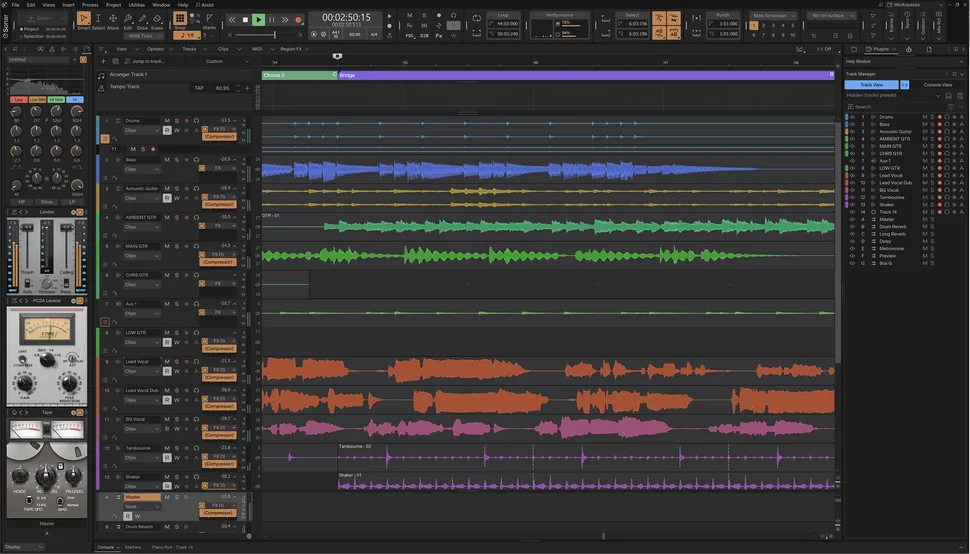
The current free tier of Cakewalk Sonar provides proper multitrack recording, detailed MIDI editing, a capable mixing console, take lanes, automation and support for third-party plugins. For somebody interested in recording vocals, guitars or live instruments, this is exactly the sort of environment I’d be looking at.
One of its strongest features is ProChannel, Cakewalk’s channel-strip system for processing tracks and buses. Even though some modules are reserved for the paid membership, the core production and mixing tools remain available in the free version. The piano roll, step sequencer and integrated sampler also make Sonar suitable for electronic music and virtual instrument production.
There is one important distinction worth knowing. Cakewalk Sonar Free replaces the older Cakewalk by BandLab software, which is no longer receiving activation renewals. The current free Sonar licence is indefinite, although periodic activation is required.
Key Features
The downside: Windows-only, with some premium features locked behind BandLab Membership and periodic licence activation required.
My verdict: If I were putting together a Windows recording setup and wanted something closer to a traditional professional DAW, Sonar would be one of the first free options I’d investigate.
Best for: Recording and mixing with a traditional studio workflow
Compatibility: Windows and macOS
Free version: Unlimited tracks, with optional premium extensions
Universal Audio has built its reputation around professional recording equipment and high-quality audio processing, so it’s interesting to see that approach applied to a free DAW. LUNA is designed around the familiar workflow of a traditional recording studio, with a multitrack timeline, console-style mixer, editing tools, MIDI sequencing and automation. It also includes Oxide Tape, which introduces analogue-style tape saturation directly into the production environment.
I think that makes LUNA especially appealing to producers who spend plenty of time recording real instruments and working on detailed mixes. Unlike some stripped-down free DAWs, LUNA doesn’t impose a track-count limit or require you to own Universal Audio hardware.
You do need to install UA Connect and set up the required licensing accounts, which makes the initial setup less straightforward than downloading a completely unrestricted open-source application.
Key Features
The downside: Requires UA Connect and licensing setup. Some premium extensions and specialised features cost extra.
My verdict: LUNA Free is a particularly interesting option for anyone who values recording and mixing more than elaborate pattern-based production. It’s also proof that free DAWs don’t have to feel like basic introductory software.

Best for: Beginners, songwriters and Mac-based music production
Compatibility: macOS only
Free version: Fully free Mac application
GarageBand is probably the most obvious starting point for anyone who owns a Mac, and for good reason.
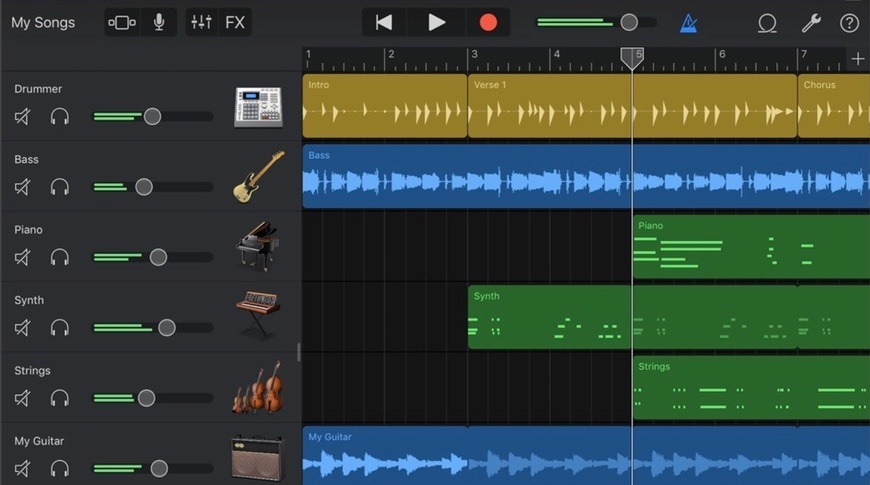
Apple has managed to make a fairly comprehensive music production environment approachable without stripping away the tools that actually matter. You can record vocals and instruments, program MIDI parts, arrange loops, work with virtual instruments and mix complete songs.
The included sound library is particularly useful. There are instruments, drum sounds, guitar amps, effects and loops that let you get started without immediately searching for additional plugins. I also like the concept behind GarageBand’s Drummer feature, which lets you create and adjust virtual drum performances without programming every individual hit.
Although GarageBand is often described as beginner software, it supports multitrack production and third-party Audio Units plugins, so there’s plenty of room to develop your skills. The main limitation is that you eventually reach a point where some of Logic Pro’s more advanced editing, routing and production tools become appealing.
Key Features
The downside: Only available on Mac, with fewer advanced production features than Logic Pro.
My verdict: If you already own a Mac and you’re completely new to music production, I struggle to see why you wouldn’t give GarageBand a proper chance before spending money on another DAW.
Best for: Electronic music, synthesis and creative sound design
Compatibility: Windows and macOS
Free version: 16-track DAW and 15 Reason Rack devices
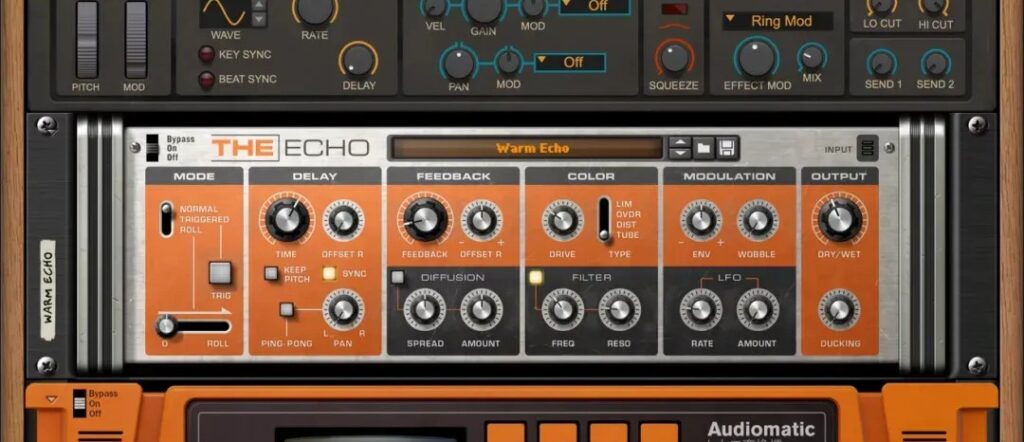
Reason has always had a distinctive approach to music production, particularly when it comes to virtual instruments and creative signal routing. Reason Free brings that environment to producers without requiring a paid licence. The standalone DAW supports up to 16 audio or instrument tracks, along with sequencing, recording, editing, mixing and automation tools.
But what really makes it stand out is the included Reason Rack.
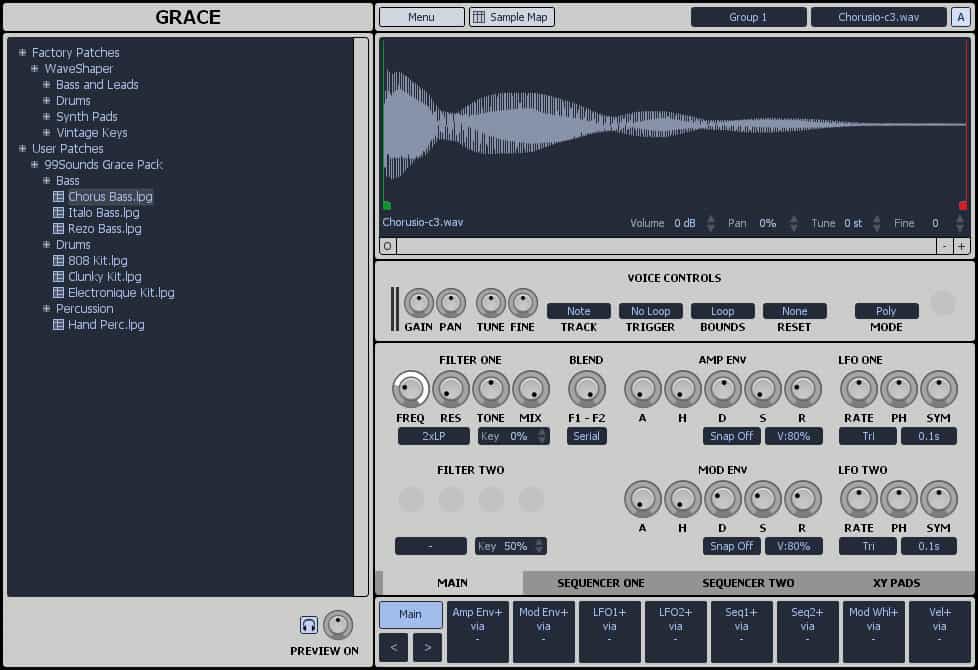
You get 15 instruments, effects and utilities, including Europa, Kong, Scream 4, The Echo and Scales & Chords. These can be connected through Reason’s virtual cabling system to create layered instruments, unusual effect chains and more elaborate sound-design setups. Better still, the free Rack is also available as a plugin, so you can use it inside another compatible DAW rather than having to produce everything in Reason itself.
For electronic music producers, that’s a pretty attractive combination.
Key Features
The downside: The free DAW has a 16-track limit, and additional Reason instruments and devices may require a purchase.
My verdict: Reason Free is one of the more interesting recent additions to the free DAW market, particularly if you enjoy programming synths, designing sounds and experimenting with effects.
Best for: Hip-hop, drum programming and sample-based beatmaking
Compatibility: Windows and macOS
Free version: Free beatmaking software with eight instrument tracks
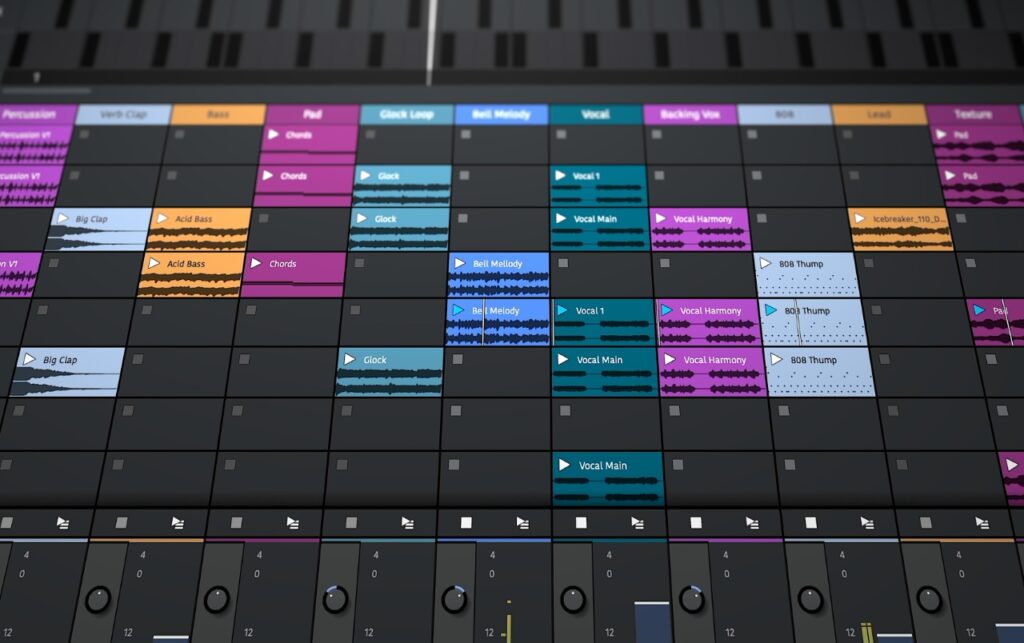
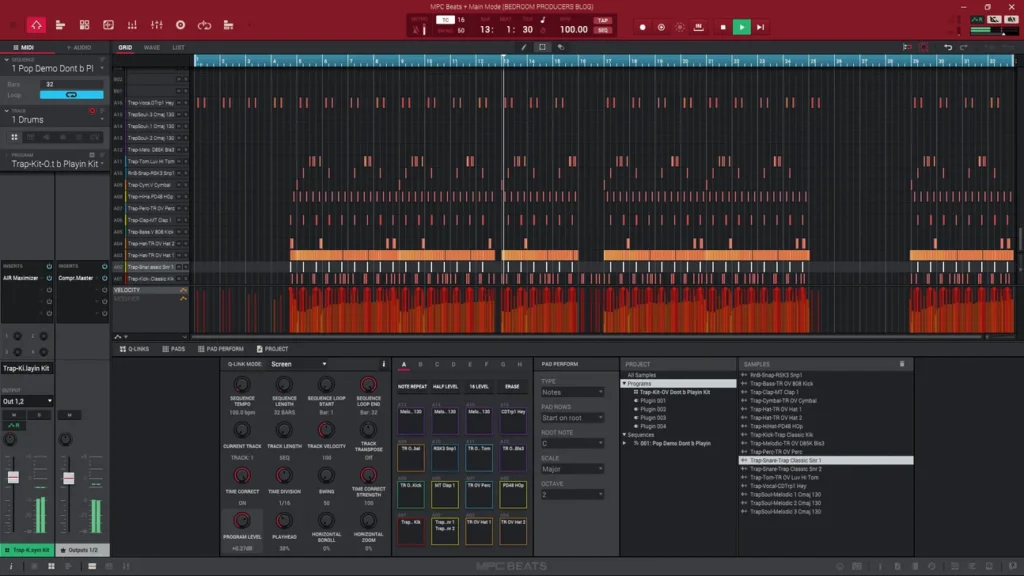
If your music production revolves around chopping samples, programming drums and building grooves, MPC Beats deserves a look. Developed by Akai Professional, it brings the classic MPC workflow into a desktop software environment. The 16-pad layout is central to the experience, making it easy to trigger sounds, build drum patterns and sequence musical ideas.
You also get a selection of included sounds, effects and instruments, so you can start building beats without needing a collection of third-party plugins.
For me, the attraction here is its focus. MPC Beats isn’t trying to be an enormous recording studio with every conceivable feature. Its main job is to help beatmakers turn rhythmic ideas into music. It’s also designed to integrate with compatible Akai MIDI controllers, which is useful if you prefer playing pads rather than clicking notes into a piano roll.
Key Features
The downside: Limited to eight instrument tracks and not as flexible for larger recording and mixing sessions.
My verdict: For hip-hop producers, especially those interested in the traditional MPC approach, this could be a better starting point than a more complicated general-purpose DAW.

Best for: Electronic music, MIDI sequencing and beatmaking
Compatibility: Windows, macOS and Linux
Free version: Completely free and open-source
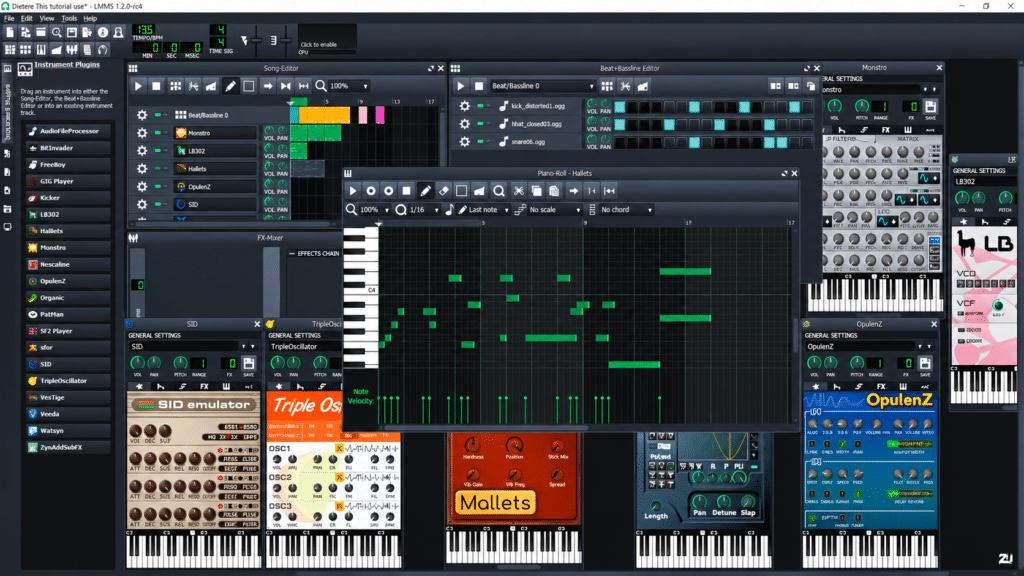
LMMS is one of the more established open-source music production applications, and it remains a useful option for producers who work primarily with MIDI, synthesizers and samples. Its workflow centres around pattern-based sequencing, with a Song Editor, Beat+Bassline Editor, piano roll, virtual instruments and effects mixer.
If you’ve spent time with older versions of FL Studio, you’ll probably recognise some similarities in the way musical ideas are arranged. There’s a surprisingly varied collection of built-in synthesizers, including tools for subtractive synthesis, bass sounds and more experimental electronic textures.
Where LMMS falls short is audio recording. The stable version doesn’t provide the microphone and multitrack recording workflow you’d expect from a traditional recording DAW. Mac users should also pay particular attention to plugin compatibility, as the stable macOS version doesn’t provide the same VST experience as Windows.
Key Features
The downside: No direct audio recording in the stable release, with additional third-party plugin restrictions on macOS.
My verdict: LMMS makes much more sense for somebody programming electronic music than for somebody recording a band. If MIDI and synthesis are your priorities, though, there’s plenty to explore.
Best for: Learning a professional recording studio workflow
Compatibility: Windows and macOS
Free version: Eight audio, eight instrument and eight MIDI tracks
Pro Tools is one of the most recognisable names in professional audio production, particularly when it comes to recording, editing and mixing. Pro Tools Intro gives you access to the same basic environment without paying for a full licence.
That means proper multitrack audio recording, MIDI sequencing, editing tools, automation, mixing and a selection of included instruments and effects. One of its biggest advantages is familiarity. If you’re interested in working in professional studios later, learning the Pro Tools workflow could be useful.
However, the free edition comes with clear limitations. You’re restricted to eight audio tracks, eight instrument tracks and eight MIDI tracks. That may be plenty for learning, recording simple songs or producing smaller arrangements, but it becomes restrictive when projects grow. Pro Tools also uses the AAX plugin format, rather than hosting ordinary VST plugins directly, which is worth knowing before choosing it.
Key Features
The downside: Restrictive track limits and AAX-specific plugin compatibility.
My verdict: I’d consider Pro Tools Intro if learning the Pro Tools environment is part of your long-term plan. For unrestricted home music production, other free DAWs give you more room to work.

Best for: Straightforward desktop recording and MIDI production
Compatibility: Windows and macOS
Free version: Ten-track DAW
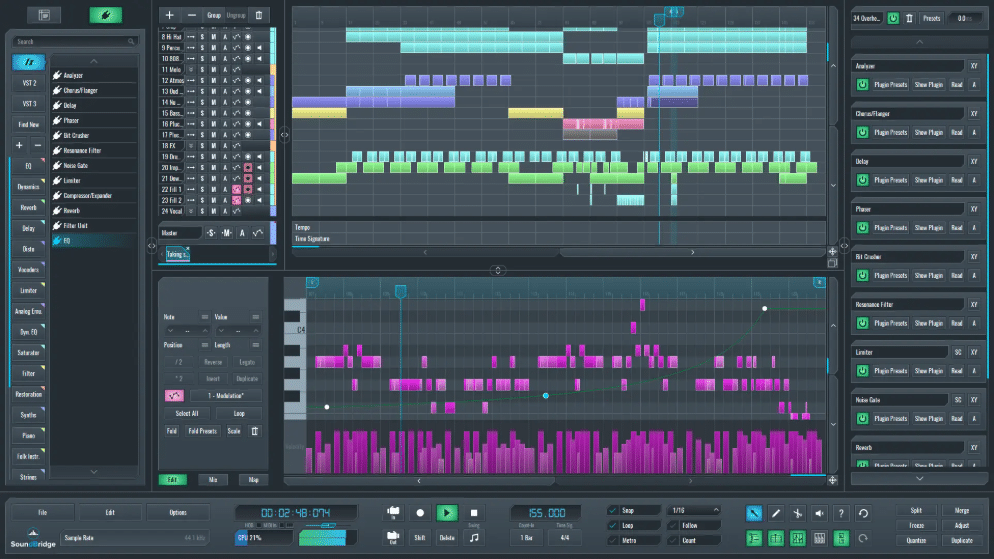
SoundBridge takes a fairly traditional approach to music production, but with an interface designed to make recording, sequencing and mixing feel approachable. It provides audio recording, MIDI editing, a mixing console, automation and third-party plugin support.
What I find appealing about its approach is the emphasis on keeping the main production tools accessible rather than burying everything behind complicated menus. The full software also includes advanced sampling, video and collaboration features, although these shouldn’t be confused with what’s available in the free edition.
The permanently free version is limited to ten tracks and excludes a selection of premium features, including its integrated sampler. For a songwriter working on demos, a beginner learning to arrange music or somebody producing smaller projects, that may still provide enough flexibility to get started.
Key Features
The downside: Ten-track limit, with premium features and the integrated sampler unavailable in the free edition.
My verdict: SoundBridge is worth considering if you want a straightforward production environment and don’t need huge sessions. Just be realistic about how quickly you might outgrow ten tracks.
Best for: Beginners, collaboration and browser-based production
Compatibility: Windows and macOS through a supported browser
Free version: Up to 16 tracks and 15-minute projects
BandLab Studio is slightly different from the other DAWs on this list because it runs directly in your browser rather than requiring a traditional desktop installation.
That makes it an appealing option if you want to get started quickly or work on music from different computers. You can record audio, program MIDI, use virtual instruments, work with loops and arrange complete projects within its online environment. Another useful feature is collaboration. BandLab is designed around sharing music and working with other creators, making it particularly convenient for producers who don’t always work in the same room.
There are limitations, though. The standard free tier allows up to 16 tracks, with projects limited to 15 minutes. It also doesn’t function like a conventional desktop VST host, so you can’t simply load your normal collection of locally installed VST plugins.
Key Features
The downside: Project and track limits, internet dependence and no conventional desktop VST plugin hosting.
My verdict: I wouldn’t necessarily choose BandLab as a replacement for my main desktop DAW, but I can see why it’s popular with beginners and producers who want an easy way to work on musical ideas together.
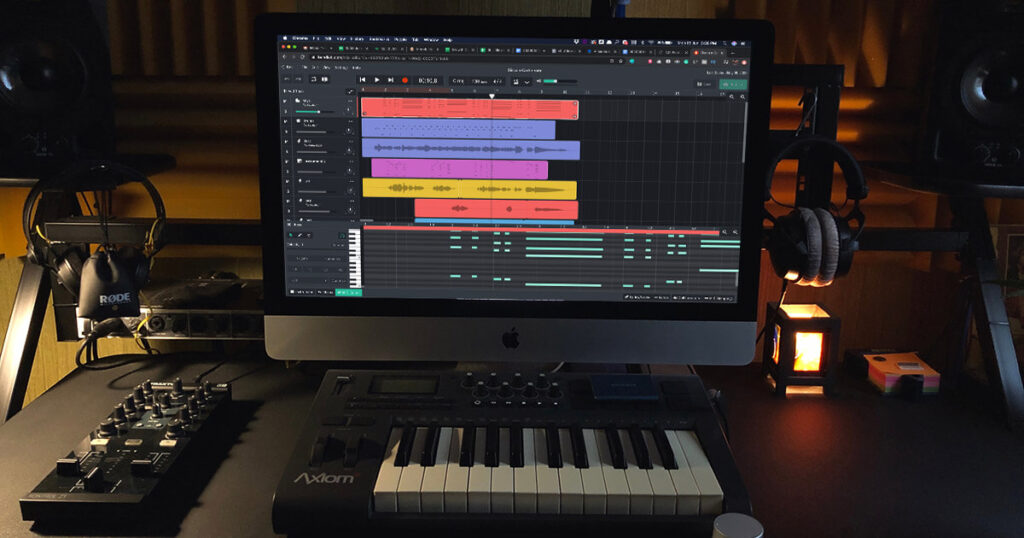
If I were starting from scratch, I’d narrow things down according to the type of music I wanted to make. For a full-featured desktop DAW without track restrictions, Waveform Free would be a strong starting point. For traditional recording on Windows, I’d look closely at Cakewalk Sonar and LUNA.
For Mac beginners, GarageBand remains difficult to ignore. If electronic music and sound design were my priorities, I’d be particularly interested in Reason Free, LMMS and MPC Beats. And if the aim were to learn the workflow used in many professional recording studios, Pro Tools Intro could be useful despite its limitations.
I wouldn’t download all ten and spend the next month switching between them. I’d choose two or three that suit my needs, explore their workflow and see which one feels most natural.
That’s pretty much how I approach music production software in general. A program can have hundreds of clever features, but that doesn’t matter much if you don’t enjoy working with it.
You might have noticed that a few familiar names aren’t included in the main list.
That’s deliberate.
These are all worth knowing about, especially if you already have access to a licence. I just prefer to distinguish them from free software that anybody can download and use without first purchasing something else.