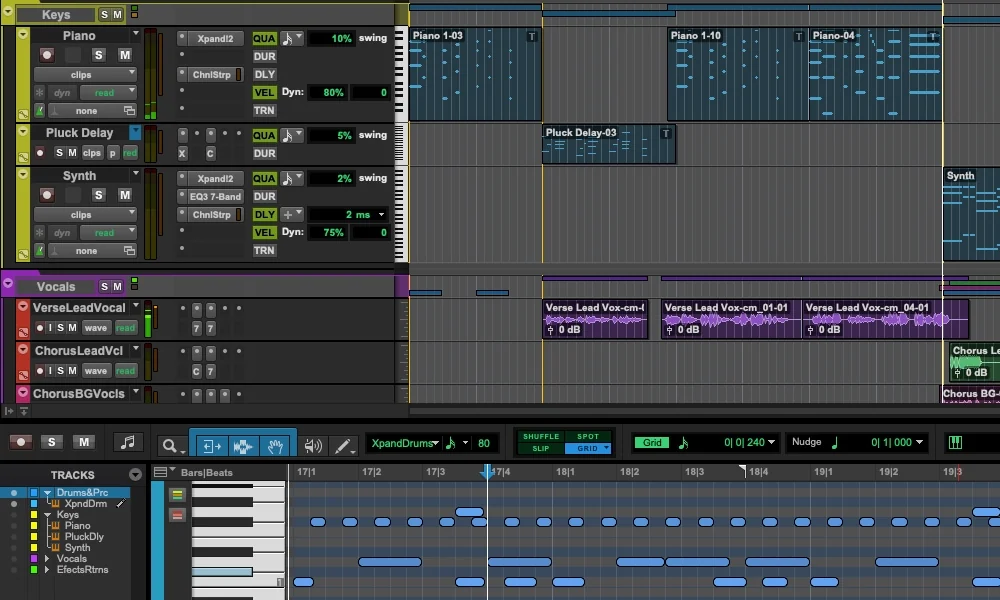
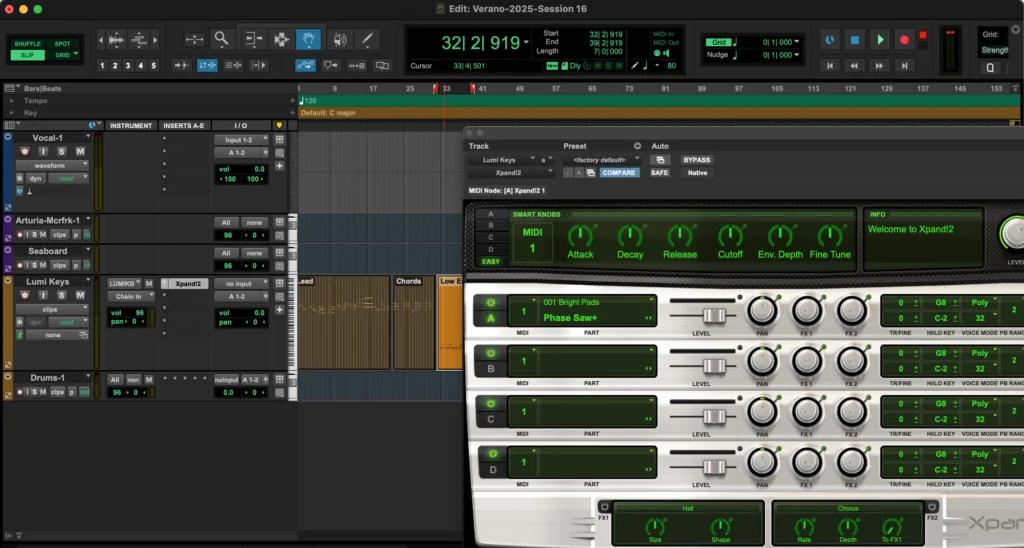
Pro Tools Intro is Avid’s free digital audio workstation, giving Windows and Mac users access to the recording, editing and mixing environment found in professional studios worldwide.
If you’ve spent any time around recording engineers, you’ve probably heard of Pro Tools. It’s been a major part of the studio world for decades, particularly for recording bands, editing vocals and mixing multitrack sessions.
What makes Intro interesting is that you’re getting the real Pro Tools workflow without paying a subscription.
I’ve always been more comfortable producing music in Cubase, but as a sound engineer, I can appreciate why learning Pro Tools is valuable, especially if you’re interested in working in commercial studios.
However, there’s a fairly significant catch: the free version limits you to eight audio tracks. So, is Pro Tools Intro really useful, or just a way of encouraging you to upgrade?
Avid’s current requirements for Pro Tools Intro are considerably more demanding than those of some other free DAWs.
I’d definitely check Avid’s compatibility information before installing, particularly if you’re running an older operating system.
Pro Tools Intro isn’t a separate demonstration program. It uses the same underlying software as the paid Pro Tools editions, with certain features and track counts restricted.
The main limits are:
Up to four channels of simultaneous audio input and output, depending on your hardware.
You also get non-destructive editing, automation, internal routing and the ability to record and mix audio at sample rates up to 192 kHz.
The audio, instrument and MIDI track limits are separate, which makes the package more flexible than simply saying it has eight tracks.
Still, I’d consider eight audio tracks the biggest limitation, particularly when recording a band or mixing a project with lots of individual stems.
Recording and Editing Audio
This is where Pro Tools Intro really catches my attention.
Rather than concentrating entirely on loops and virtual instruments, Pro Tools has always placed serious emphasis on recording and editing real performances.
You can record vocals, guitars, bass and other instruments directly into a session, edit the resulting waveforms and build a complete arrangement.
Its non-destructive editing approach means you can split, move, trim and rearrange recordings without permanently changing the original audio files.
For someone learning sound engineering, these are essential skills.
I particularly like the idea of using Intro to practise editing vocal takes, cleaning up unwanted noises and creating natural transitions with crossfades.
Those techniques are transferable to practically any DAW.
Pro Tools includes a powerful collection of tools for tightening performances and managing recordings.
Working with multiple takes, correcting timing and adjusting individual audio clips are all central parts of the Pro Tools workflow.
I’d pay particular attention to learning its editing shortcuts rather than constantly reaching for the mouse.
One thing professional engineers frequently emphasise is speed. When you’re working with an artist in a recording session, being able to make an edit immediately can make a big difference.
Pro Tools Intro provides an opportunity to learn those habits without purchasing the full software.
The mixing environment is another major attraction.
You get a familiar multichannel mixer with inserts, sends, auxiliary routing, automation and the tools needed to balance a production.
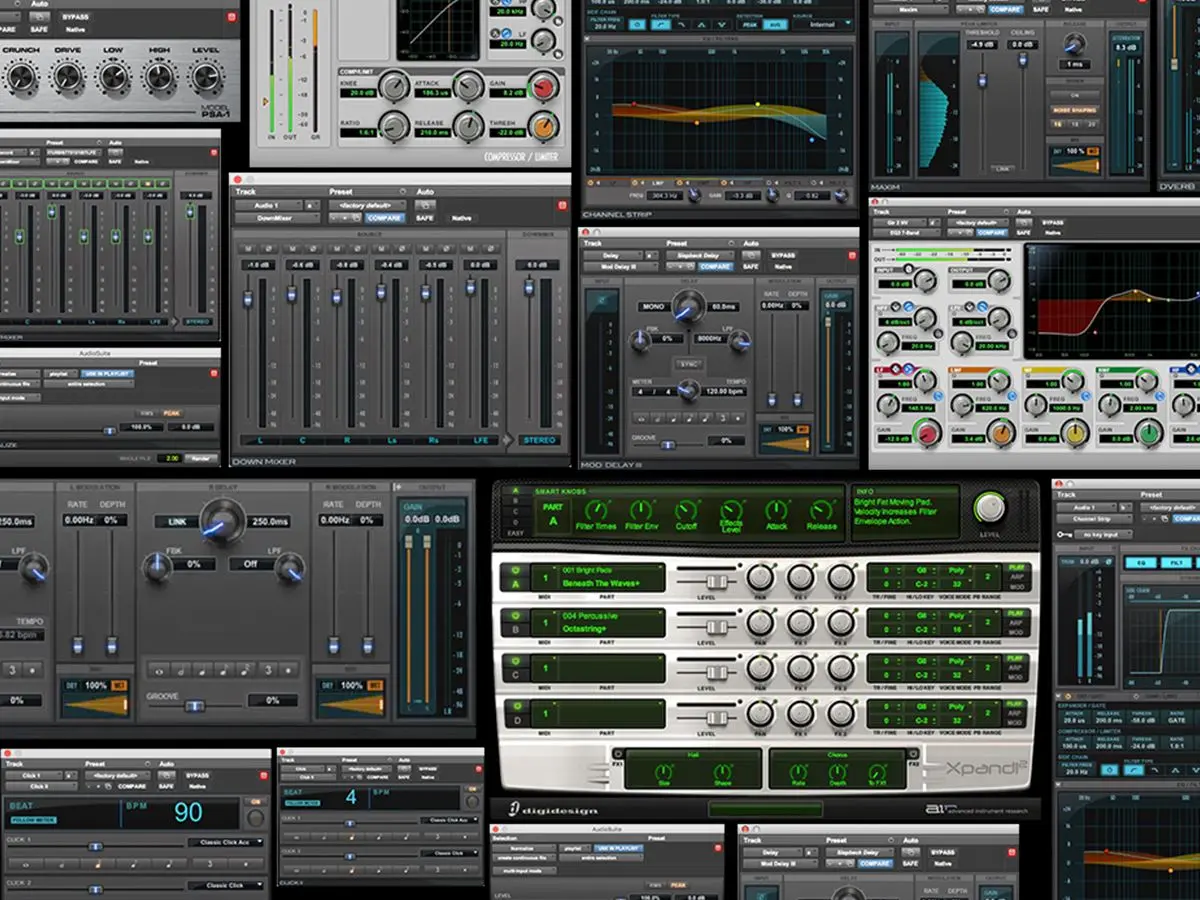
Avid includes EQ, compression, reverb, delay and other useful effects.
For me, understanding signal flow is just as important as knowing how to operate individual plugins.
I’d use a small mixing project to practise sending several tracks into a shared reverb, balancing their levels and automating changes throughout the arrangement.
This is where Pro Tools Intro arguably offers more educational value than some free DAWs that concentrate primarily on beat-making.
The main limitation isn’t the quality of the mixing environment. It’s how quickly you can run out of available audio tracks.
Pro Tools Intro also includes 36 effects and instrument plugins, providing a reasonable starting collection for music production.
One of the most useful is Xpand!2, a multitimbral virtual instrument with a large collection of synthesizers, keyboards, strings, basses and other sounds.
That gives you plenty of options for adding musical parts without downloading additional instruments immediately.
You also get MIDI recording and editing, meaning Intro isn’t limited to working with recorded audio. However, there’s an important difference from Cubase and many other DAWs.
Pro Tools uses AAX plugins rather than VST or VST3. That doesn’t mean you’re restricted to Avid’s included effects. Compatible third-party AAX plugins work in Intro, but you need the correct plugin format.
If you’ve already built up a collection of free VST instruments, check whether AAX versions are available before assuming they’ll work.
Another interesting addition to the Pro Tools environment is Sketch.
Instead of building everything along a traditional timeline, Sketch lets you experiment with audio and MIDI clips in a more spontaneous way.
It’s particularly useful for developing musical ideas before committing them to a conventional arrangement. Avid also offers a separate free Sketch app for iPad, with projects that can be transferred into Pro Tools.
I wouldn’t personally choose Pro Tools primarily for loop-based electronic music, but I like seeing more creative options alongside its established recording and editing tools.
For me, the takeaway is straightforward: Intro makes the most sense when you specifically want to learn Pro Tools, rather than simply looking for the free DAW with the most features.
The biggest weakness is obviously the eight-audio-track limit.
If you’re recording a full drum kit using multiple microphones, you could run out of tracks before adding guitars, bass or vocals.
There’s also the AAX plugin format to consider. And although the free edition shares much of the Pro Tools workflow, certain advanced functions remain exclusive to paid versions.
Another warning worth mentioning: opening a large Pro Tools session in Intro can result in tracks beyond the supported limit being excluded from the session. I’d always work from a copy of an important project.
For larger music productions, I think free alternatives with more generous track counts may be more practical.
Yes. Pro Tools Intro is free to download and use, with no subscription required.
You need Avid and iLok accounts for activation, but new users can use a free disk-based licence without purchasing a physical iLok dongle.
Not directly. Pro Tools uses the AAX plugin format rather than VST or VST3.
You can install compatible third-party AAX plugins, including free ones, provided they support your system.
Pro Tools Intro supports a maximum of eight audio tracks in a session and up to four simultaneous audio input channels, depending on your hardware.
It also provides separate allowances for MIDI and instrument tracks.
It depends on what you're trying to achieve. And who you are asking, Cubase wins over all daws for me.
For complex MIDI programming and larger music productions, I'd personally favour Cubase. However, Pro Tools Intro is an attractive free option for learning Avid's recording and mixing workflow.
Yes, but be careful.
If a session exceeds Intro's supported track limits, additional tracks can be omitted when it opens. Always preserve the original session and use Avid's Import Session Data function when you need to select particular tracks.

Qualified sound engineer, music producer and DJ. Founder of Jeffro Music, specialising in music production software reviews, sound design and practical resources for music creators.