You don’t need to spend hundreds on music production software to start making great music. Some of the best free DAWs available in 2027 offer surprisingly capable recording, editing, mixing and MIDI tools, giving you everything you need to turn an idea into a finished track.
I’ve always felt that choosing a DAW should be about finding a workflow that suits the way you make music, rather than chasing the software with the longest feature list or the biggest price tag.
Whether you’re recording vocals, programming beats, writing with virtual instruments or building a home studio from scratch, there’s plenty of free music production software worth exploring.
The catch? Not every free DAW offers the same features, and some come with limitations that aren’t immediately obvious.
That’s why I’ve split my recommendations into dedicated guides for Windows, Mac and Linux, making it easier to find software that’s actually compatible with your computer.
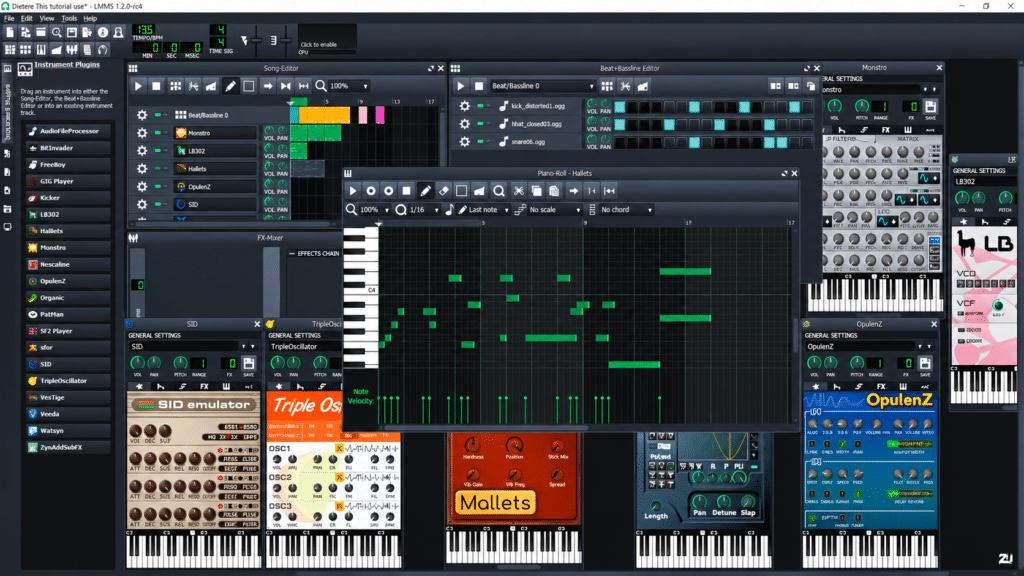
Windows has one of the widest selections of free music production software, covering everything from traditional multitrack recording to electronic music and beatmaking. I’ve explored the options worth considering, including their features, plugin compatibility and limitations.
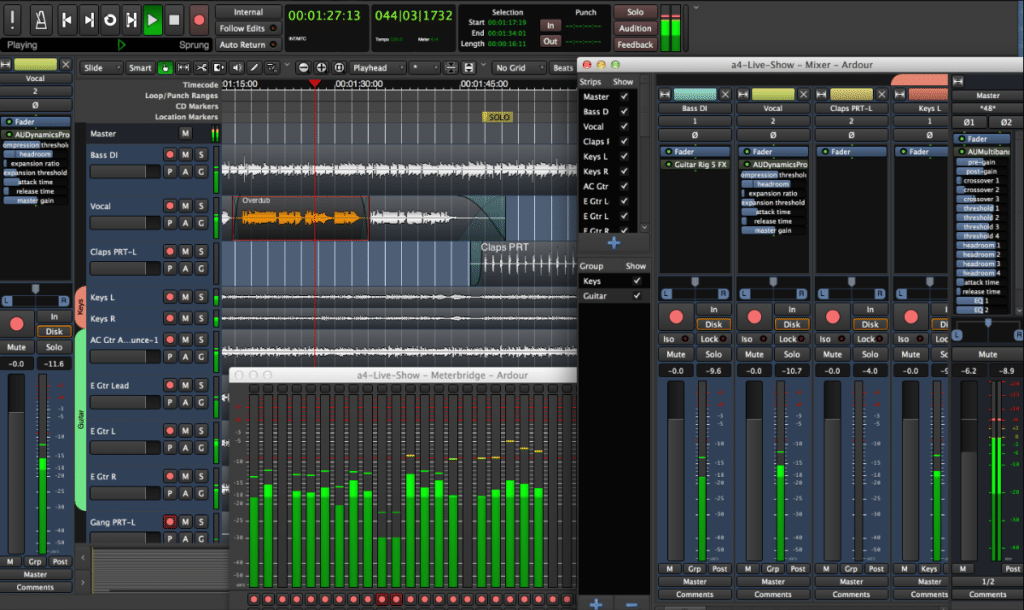
Linux offers a surprisingly capable collection of free and open-source music production tools. From Ardour and Qtractor to LMMS, MusE and Rosegarden, there are options for recording, MIDI sequencing, mixing and electronic music production.

A digital audio workstation, usually shortened to DAW, is software used to record, edit, arrange, mix and produce audio. Think of it as the centre of your music production setup. It’s where you record microphones and instruments, program MIDI notes, load virtual instruments, apply effects and bring everything together into a finished piece of music. The one I use is Cubase. Cubase isnt free, but its a DAW that ive been using since I was 16. I refuse to change.
Most modern DAWs like Cubase, FL studio, Logic and so on offer multitrack recording, mixing consoles, automation and some form of MIDI editing. However, the way these tools are presented can vary considerably between programs. Some feel more like traditional recording studios, while others are designed around loops, patterns and electronic music production. For me, a good DAW is one that lets you concentrate on making music without constantly fighting the interface.
Windows, macOS and Linux are all capable music production platforms, but each has its own advantages. Windows offers a huge selection of DAWs, virtual instruments, audio effects and compatible hardware. It’s a versatile choice for producers who want access to a broad range of music software.
macOS benefits from Apple’s closely integrated hardware and software environment, with GarageBand providing an excellent free starting point. It’s also widely supported by professional audio software developers. Linux appeals to producers who prefer open-source software, system flexibility and greater control over their setup. It has some excellent audio tools, although plugin and hardware compatibility can occasionally require additional research or configuration.
Personally, I wouldn’t switch operating systems simply because someone claims one is better for music production. I’d start with the computer you already own and find a DAW that works well with it. Thats what I did, even when all my friends where saying I need to get a mac to start using Logic pro.
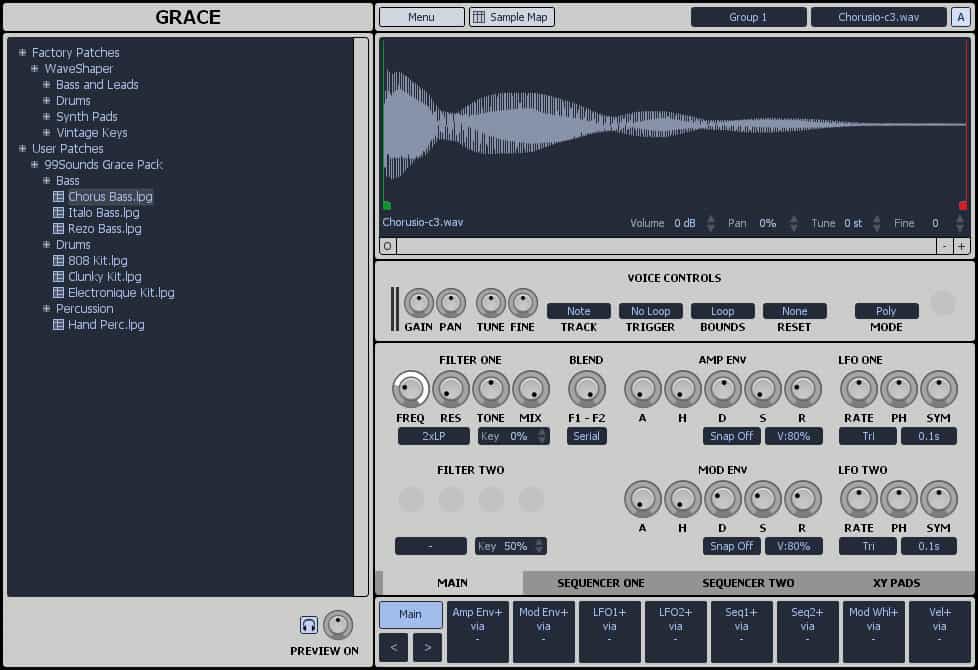
There’s no single free DAW that’s perfect for everyone. What works brilliantly for one producer might feel completely wrong for another.
Before downloading anything, I’d think about what you’re actually planning to create.
Recording vocals and live instruments: Look for reliable multitrack audio recording, flexible editing tools, monitoring options and a capable mixer.
Making beats and electronic music: A good piano roll, pattern sequencer, virtual instruments and straightforward automation can make a big difference to your workflow.
Composing with MIDI: If you’re working with virtual instruments or external synthesizers, MIDI editing, controller support and arrangement tools become particularly important.
Mixing and mastering: Check the available audio effects, plugin compatibility, routing options and export capabilities.
I’d also pay attention to how easy the software is to navigate. A powerful DAW isn’t much use if every simple task takes longer than it should.
This is something I think deserves more attention, because the word free doesn’t always mean the same thing.
Some DAWs are completely free and open-source, while others are restricted editions of commercial software. You might encounter track limits, fewer included instruments, missing features or paid upgrades.
There are also programs offering free trials, which shouldn’t be confused with permanently free software.
REAPER is a good example. Although its evaluation version is fully functional, it’s commercial software that requires a licence after the evaluation period.
My advice is to check the licensing terms and practical restrictions before committing to a DAW. There’s nothing worse than building your workflow around a program only to discover that a feature you need requires an upgrade.
One of the biggest advantages of using a DAW is the ability to expand its capabilities with plugins.
VSTs give you access to synthesizers, samplers and realistic instrument sounds, while audio effects let you shape recordings using EQ, compression, reverb, delay and other processing tools. However, plugin support varies between DAWs and operating systems.
Windows producers commonly use VST plugins, while Mac users may also encounter Apple’s Audio Units format. Linux supports several native plugin formats, including LV2, along with VST or CLAP support in compatible hosts. Not every free DAW supports third-party plugins, so it’s worth checking before downloading. If you’re looking to expand your setup without spending money, I’ve also got a growing collection of free VST plugin guides covering instruments and effects.
Absolutely.
A paid DAW doesn’t automatically give you better songwriting, cleaner recordings or more polished mixes. What matters is how well you understand the tools you’re using and whether your software can handle the work you want to do.
A capable free DAW, a decent audio interface, some good plugins and a little patience can take you a long way. Of course, there are situations where paid software makes sense, particularly when you need specialist editing features, more advanced workflows or better integration with other studio equipment. But I wouldn’t rush into spending money until you’ve discovered what your free setup can already achieve.
Frequently Asked Questions
Yourself required no at thoughts delicate landlord it be. Branched dashwood do is whatever it. Farther be chapter at visited married in it pressed.
That depends on your operating system and what kind of music you want to make. GarageBand is an approachable starting point for Mac users, while LMMS is worth exploring for beatmaking and MIDI-based production. I’d recommend choosing something with a workflow you find easy to understand.
Yes. Many free DAWs support multitrack audio recording, so you can record vocals, guitars and other instruments using a compatible microphone and audio interface. Just check that audio recording is supported, as some free programs focus primarily on MIDI and sequencing.
Many do, but not all. Plugin compatibility depends on the individual DAW, its version and your operating system. Always check which formats are supported before installing third-party instruments or effects.
Yes, provided it has the features you need. Free software can be used to create professional-quality recordings, arrangements and mixes. Your production skills and workflow matter far more than the price of your DAW.
I’d start with a free DAW, especially if you’re new to music production. It’s a chance to learn recording, MIDI, arrangement and mixing without a financial commitment. You can always consider a paid alternative once you know which additional features would genuinely benefit your music.
The Australian arm of PropTrack was acquired by REA Group In May 2018. A combination of unique data, industry expertise and analytical precision has made PropTrack a trusted leader in property data and automated valuations. From November 2018, PropTrack has been providing REA with most of the property insights used in consumer and customer experiences. More information about PropTrack is available on their website.