Zrythm is an open-source DAW for Linux, Windows and macOS that combines audio recording, MIDI composition, chord assistance and detailed automation.
Its tools support a creative workflow where harmony, sound design and arrangement develop together rather than treating each as a separate stage.
The chord pad and piano roll are particularly useful when developing an idea beyond its first progression. Audition different voicings, identify notes belonging to the harmony and build the surrounding parts while keeping their musical relationships visible.
For producers who prefer programming music rather than relying entirely on recorded performances, Zrythm offers plenty of interesting possibilities.
Free-version details: The official Basic v1.0.0 installer supports up to 25 tracks and includes basic plugins. Source code is available separately for users who prefer to build the software themselves.
The newer Zrythm v2 Alpha is a major rewrite with a Qt6-based interface and a different plugin-hosting architecture. It remains pre-release software intended for testing, with some v1 features still unavailable. It should not be treated as a production-ready replacement for the Basic release.
Zrythm’s chord pad can generate chords from a root note and scale, load saved presets and audition alternative voicings. Inversion controls move notes between octaves, making it possible to explore different chord shapes without rebuilding them manually.
For a keyboard progression, that provides a useful way to compare register and movement between chords before committing to a part.
The piano roll brings those harmonic decisions into note editing. Chord and scale highlighting provide a visual reference while programming melodies or basslines. The distinction is important: a note can belong to the key without belonging to the chord playing underneath it. Highlighting helps you inspect that relationship, but it doesn’t make every highlighted note the right musical choice.
Rhythmic expression remains editable alongside pitch. The velocity editor supports individual adjustments, changes across selected notes and drawn ramps. A programmed percussion phrase can therefore build in intensity without changing every hit separately, while the dedicated drum view presents one-shot parts more clearly.
For beatmakers, these features make Zrythm particularly interesting. You can sketch a chord progression, build a drum pattern around it and develop the bassline without constantly switching between unrelated tools.
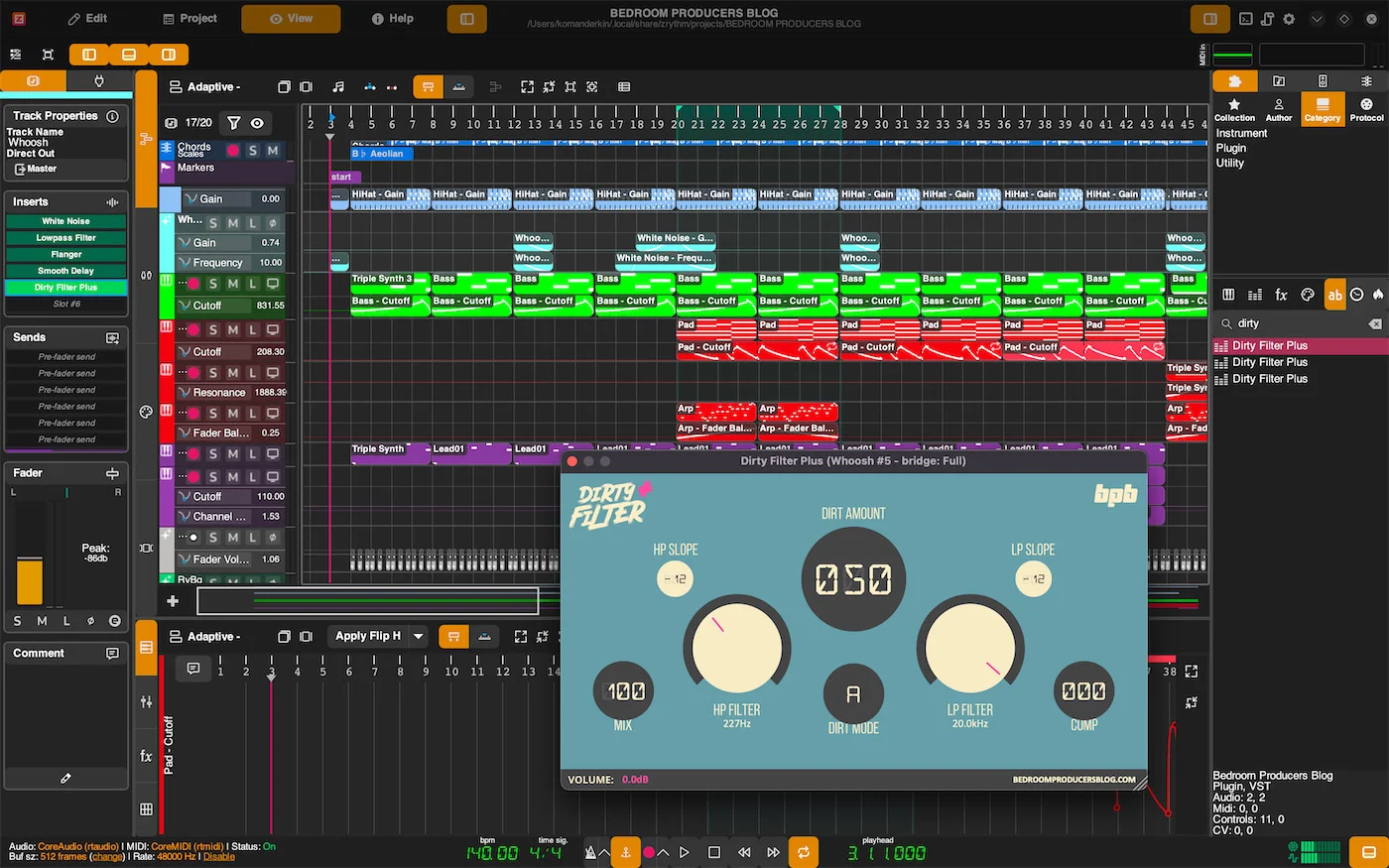
Zrythm’s automation editor lets you reshape transitions between control points rather than relying only on straight lines. Dragging a curve changes its shape, while alternative curve algorithms provide different responses.
For a filter build-up, the opening can remain restrained through most of the phrase before accelerating towards the transition.
Automation can also be recorded in Touch or Latch mode. Touch writes changes while the control is being adjusted, whereas Latch continues writing after the movement begins. That gives performed automation a place alongside drawn curves, with different recording behaviour depending on whether you’re correcting a short passage or developing a longer movement.
The mixer separates group tracks from FX tracks. Groups collect signals into a shared processing path, while FX tracks receive additional sends alongside a channel’s main output. This distinction helps when keeping shared reverb separate from the dry mix or processing related instruments together.
Zrythm also provides extensive third-party plugin compatibility, including CLAP, LV2, VST2 and VST3 through its documented Carla-based hosting system in v1. This is especially useful for Linux producers, where LV2 and CLAP plugins provide access to a growing collection of open-source instruments and effects.
However, support for a plugin format doesn’t guarantee that every plugin will work identically across operating systems. Plugin compatibility can still depend on the individual plugin, its architecture and the hosting configuration.
Composition, recording and mixing tools for developing harmonic ideas into detailed arrangements.
The keyboard highlighting follows the chord and scale at the playhead position, while individual MIDI notes are highlighted according to the harmony active at their own start positions. When the progression changes, the keys on the left can therefore display different harmonic information from notes further along the clip.
Move the playhead to the passage you're editing before comparing the two. This avoids treating a difference in highlighting as an incorrect note when you're actually looking at two different points in the progression.
Open the recording settings using the arrow beside the transport's Record button and select Merge events. This combines newly recorded MIDI events with those already present rather than replacing them. Arm the relevant track, enable transport recording and play the additional part.
For alternative performances rather than extra hits, choose Create takes. The Create takes (mute previous) option preserves earlier attempts while muting the previous take as the next one is recorded.
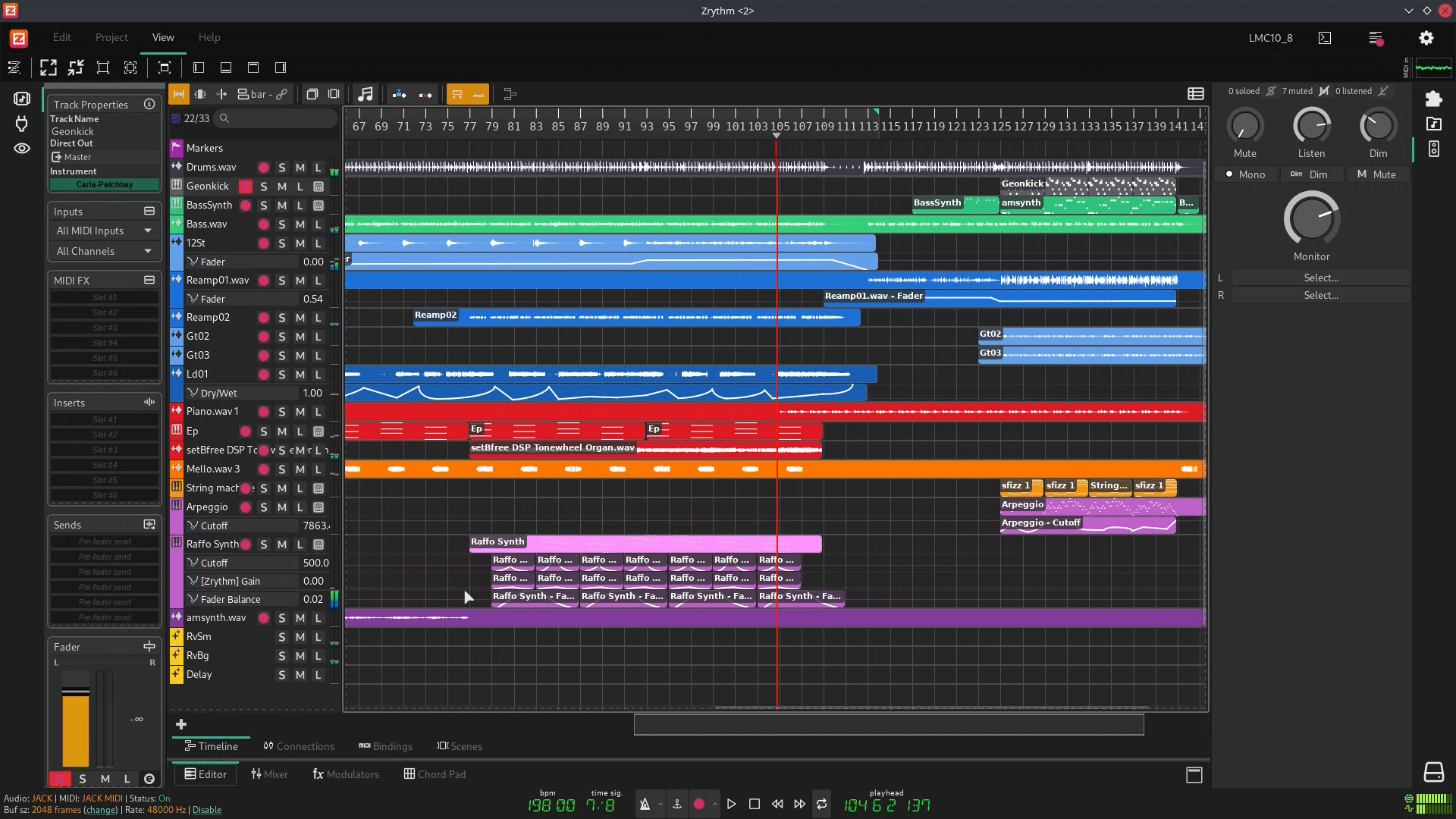
Use the vocal track's Listen function and adjust Dim Level in the Monitor section. Zrythm lowers the unlistened tracks rather than removing them entirely, keeping the backing audible while bringing attention to the vocal.
This provides a useful middle ground between the full mix and an isolated track. You can hear the vocal's relationship with the arrangement without temporarily changing all the backing-track faders. Clear the Listen state when returning to the normal balance.
Check the Time Range in the Export dialogue. Zrythm can export between the song's start/end markers, across the current loop or over a custom range. A range ending at the last note doesn't leave room for a reverb or delay effect that continues afterwards.
Move the end marker or extend the custom export range beyond the final note, allowing enough time for the effect to finish. Listen to the end of the exported file rather than assuming that a tail heard during uninterrupted playback falls inside the selected export range.
Zrythm's External Program audio function requires the edited file to remain exactly the same length. Trimming the file, adding silence or applying a process that changes its duration can cause the operation to fail.
Make the required processing changes without altering the duration, save the temporary file and close the external application. Then confirm the operation in Zrythm so it can apply the result to the selected audio region. Keep arrangement-length changes separate from this external-processing step.

Qualified sound engineer, music producer and DJ. Founder of Jeffro Music, specialising in music production software reviews, sound design and practical resources for music creators.